
How it works
Three movements, no menus
There is no screen, so there is nowhere to put a menu. Everything the belt can do is one of three physical actions, and each one was chosen because your hand already goes there.
- 01
It measures your waist, all day, without being asked
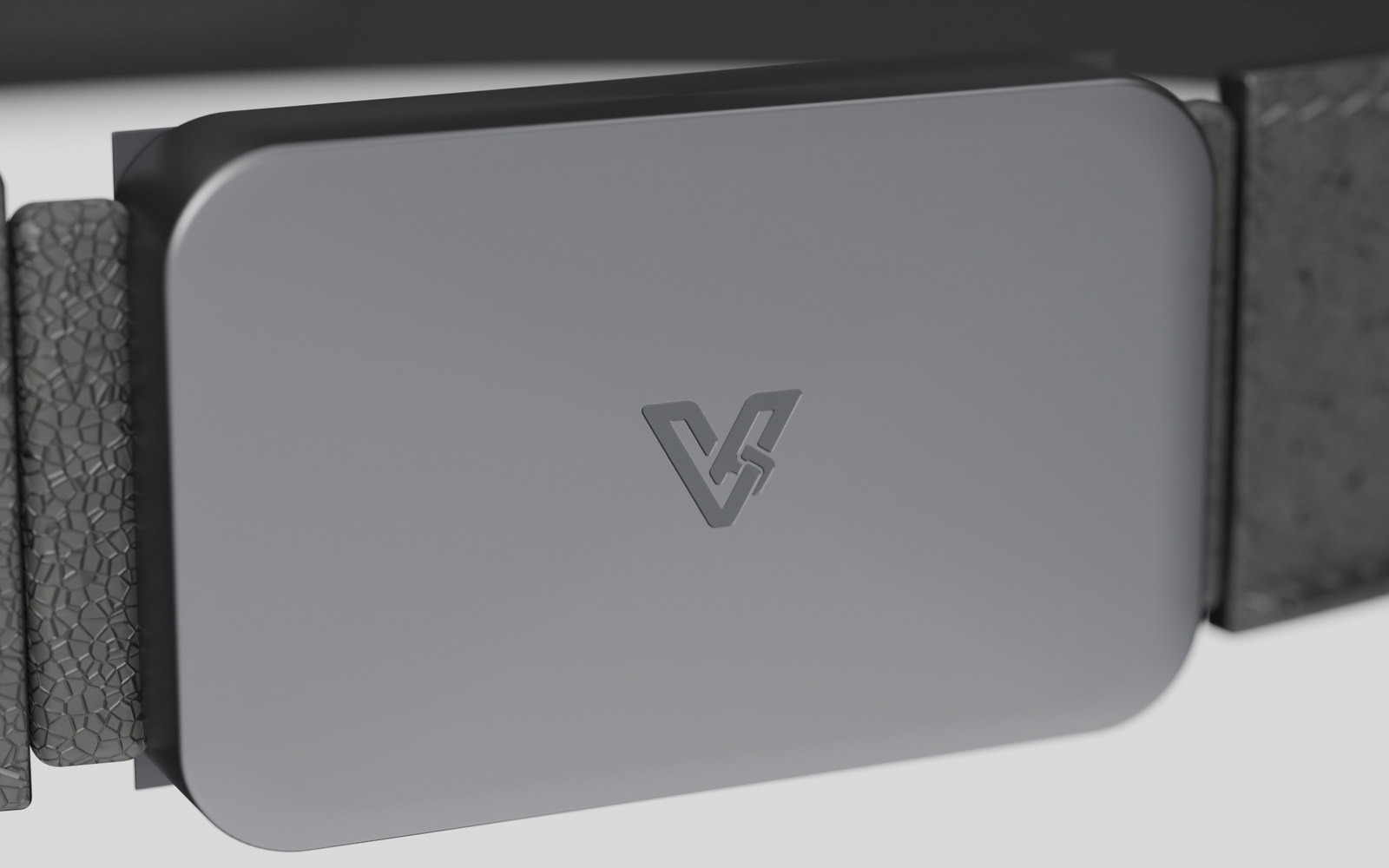
A scale gives you weight. A watch gives you steps. Neither gives you the number a doctor actually watches, because nothing else you own is pulled tight around your middle. A strain gauge sits in the flexure of the buckle, thinner than a third of a millimetre, in a part that has to be there anyway — and the tension it reads is your waist circumference. The same signal carries more than size: breathing all day without a chest strap, the slow rise and fall of a meal, sitting versus standing, a cough. You do not start it, charge it separately or remember it. You get dressed.
- 02
Directions you feel at the hip
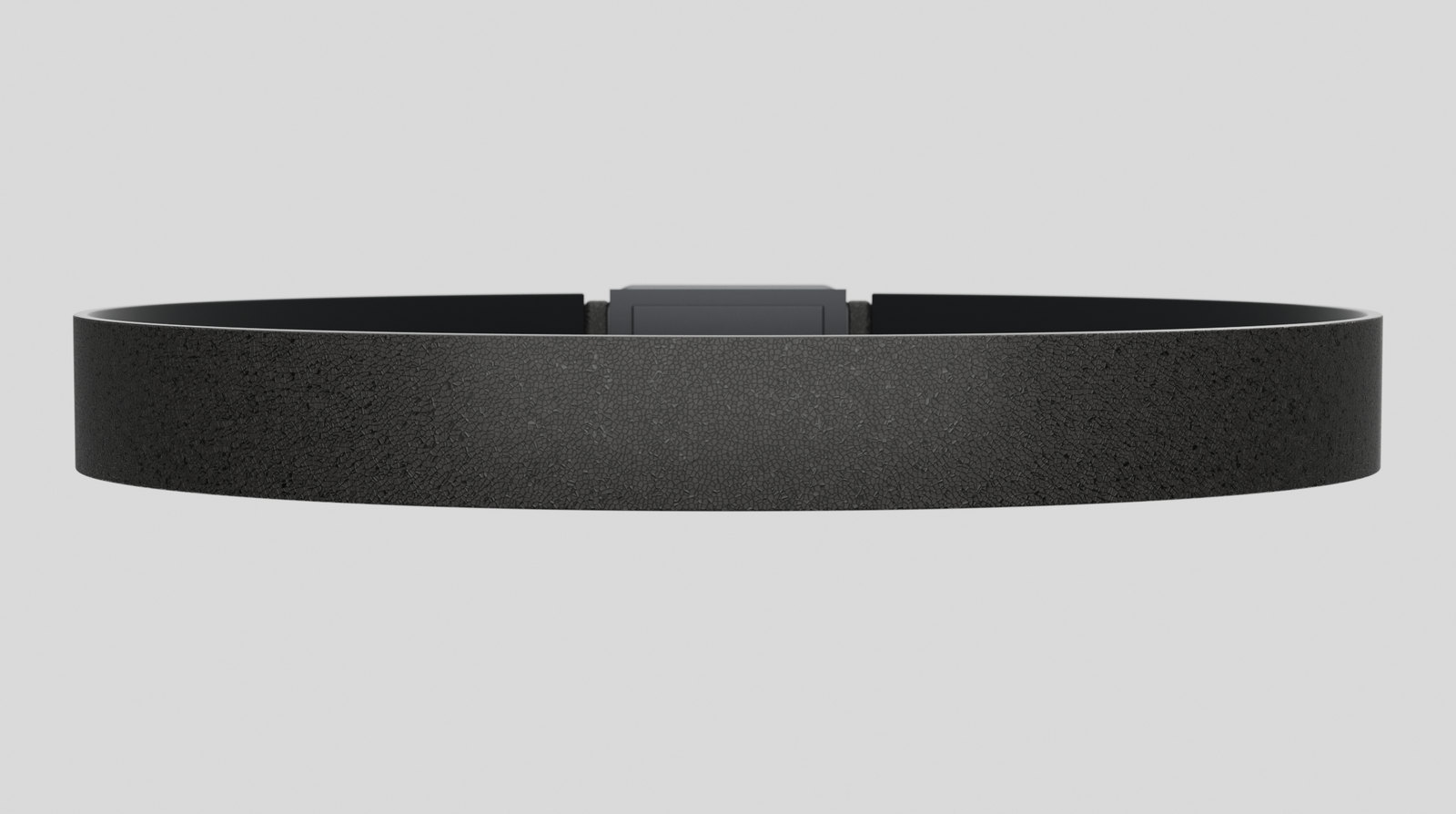
Most turn-by-turn navigation asks you to look down at the exact moment you should be looking up. Two soft zones sit against your hips, one on each side, and the one nearest the turn taps. Nothing lights up and nothing is visible from the outside. Whether people can reliably tell left from right through clothing is the first thing we intend to test, and it is the test the whole idea has to survive.
- 03
One button for the thing that matters
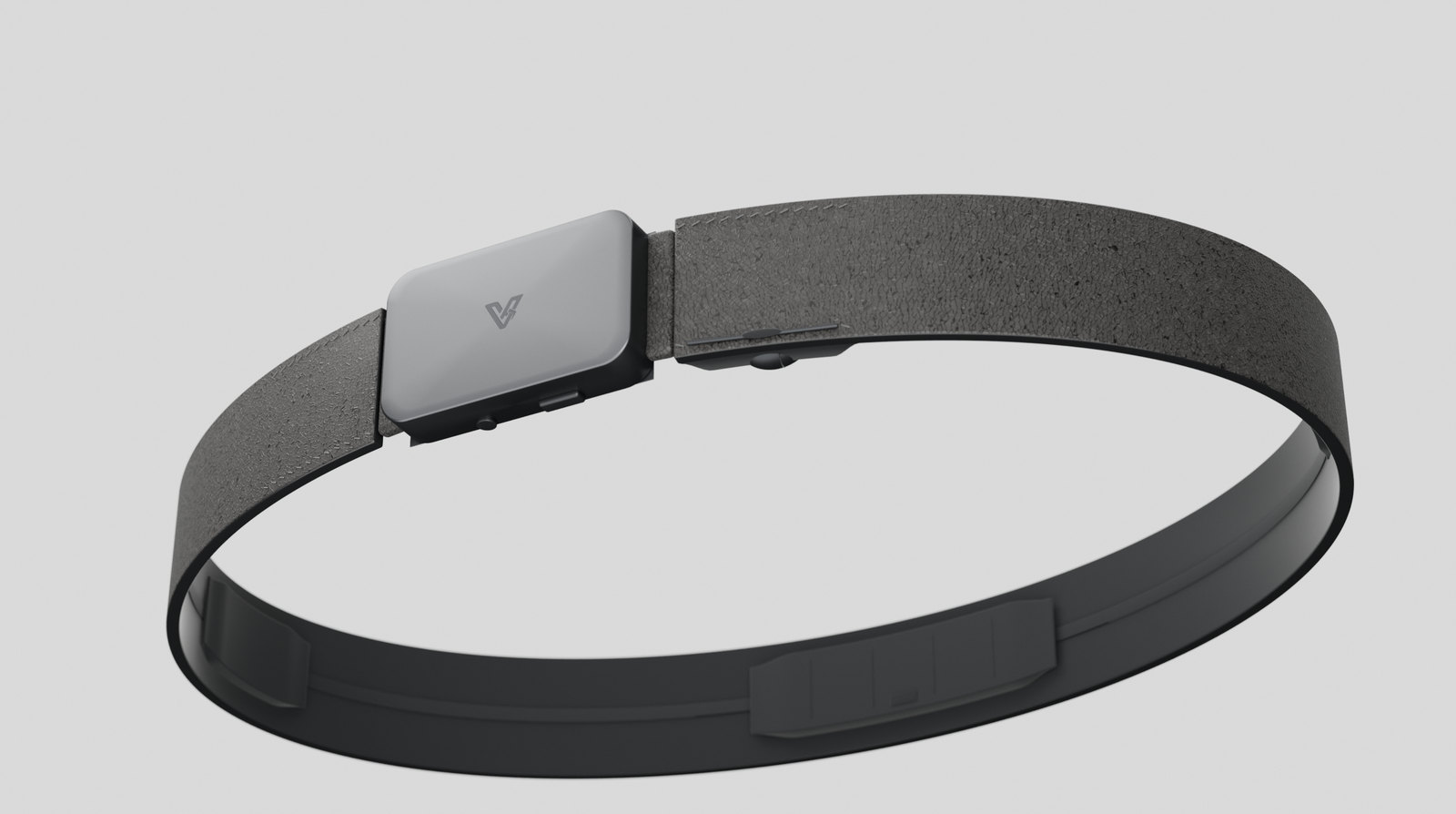
There is exactly one button, recessed into the underside of the buckle where nothing brushes it by accident. What it does depends on context you set in the app: take the photo, advance the slide, accept the call, confirm the payment. One control means nothing to learn and nothing to look at, and it means anything consequential needs a real press from a real finger.
01
It measures your waist, all day, without being asked
A scale gives you weight. A watch gives you steps. Neither gives you the number a doctor actually watches, because nothing else you own is pulled tight around your middle. A strain gauge sits in the flexure of the buckle, thinner than a third of a millimetre, in a part that has to be there anyway — and the tension it reads is your waist circumference. The same signal carries more than size: breathing all day without a chest strap, the slow rise and fall of a meal, sitting versus standing, a cough. You do not start it, charge it separately or remember it. You get dressed.
02
Directions you feel at the hip
Most turn-by-turn navigation asks you to look down at the exact moment you should be looking up. Two soft zones sit against your hips, one on each side, and the one nearest the turn taps. Nothing lights up and nothing is visible from the outside. Whether people can reliably tell left from right through clothing is the first thing we intend to test, and it is the test the whole idea has to survive.
03
One button for the thing that matters
There is exactly one button, recessed into the underside of the buckle where nothing brushes it by accident. What it does depends on context you set in the app: take the photo, advance the slide, accept the call, confirm the payment. One control means nothing to learn and nothing to look at, and it means anything consequential needs a real press from a real finger.
The split
The belt is dumb on purpose
A cellular modem and an AI chip would make the belt heavier, hotter, more expensive and worse to wear, and you would be paying for a second data plan to duplicate something already in your pocket. Leaving that work to the phone is what keeps every part of this under 5 mm thick.
The belt does
- Carries a strain gauge in the buckle flexure
- Vibrates at the left or right hip
- Reads one button press and sends it on
- Knows whether the module is in or out
The phone does
- The assistant, the routing, the internet
- Deciding which alerts are worth a pulse
- Speech in and speech out
- All of your settings and rules
Losing signal is not the same as losing the phone. Underground, on a plane or out of coverage, the taps and the button keep working over Bluetooth, and a route already loaded keeps guiding you. Only the questions that need the internet need the internet.
What that adds up to
Six of them, to start with
These are the ones that explain the idea fastest. There are far more in the full specification, all of them switchable, and none of them proven on hardware yet.
The one number nothing else measures
Waist circumference, every day, passively. Waist-to-height beats BMI as a marker, and no wearable reads it.
A filter on your attention
You decide which contacts and apps are allowed to reach your body. Everything else waits until you ask.
Navigation without looking
Left hip or right hip, a short pulse before the turn. Your phone does the routing.
Physical confirmation
Payments, unlocks and sends can be set to require the button, so nothing important is one stray tap away.
A nudge if you walk off
If the phone stops answering while you are moving away from it, you get one pulse. No app to open.
Useful with no signal
Haptic patterns and the button work over Bluetooth to the phone. Only the AI part needs a connection.
Everything above is set in the app
Which contacts get through, what a left tap versus a right tap means, how strong the pulses are, what the button does in which app, and which features are switched off entirely. None of that lives in the belt. The belt vibrates and reports a button press; the phone decides what any of it means, and the app is where you decide for the phone.
Being straight about it: we will build the apps if enough people want the product. Writing them, keeping them working across phones and supporting them properly is a few months of work plus what comes after, and it is not work worth doing for a product nobody is waiting for. The waitlist is how we find out, which is the only reason it exists.
Follow the build
We will email when the first haptic test happens, and again when someone has actually worn one.
Thinking about backing it instead? Read the investor page